
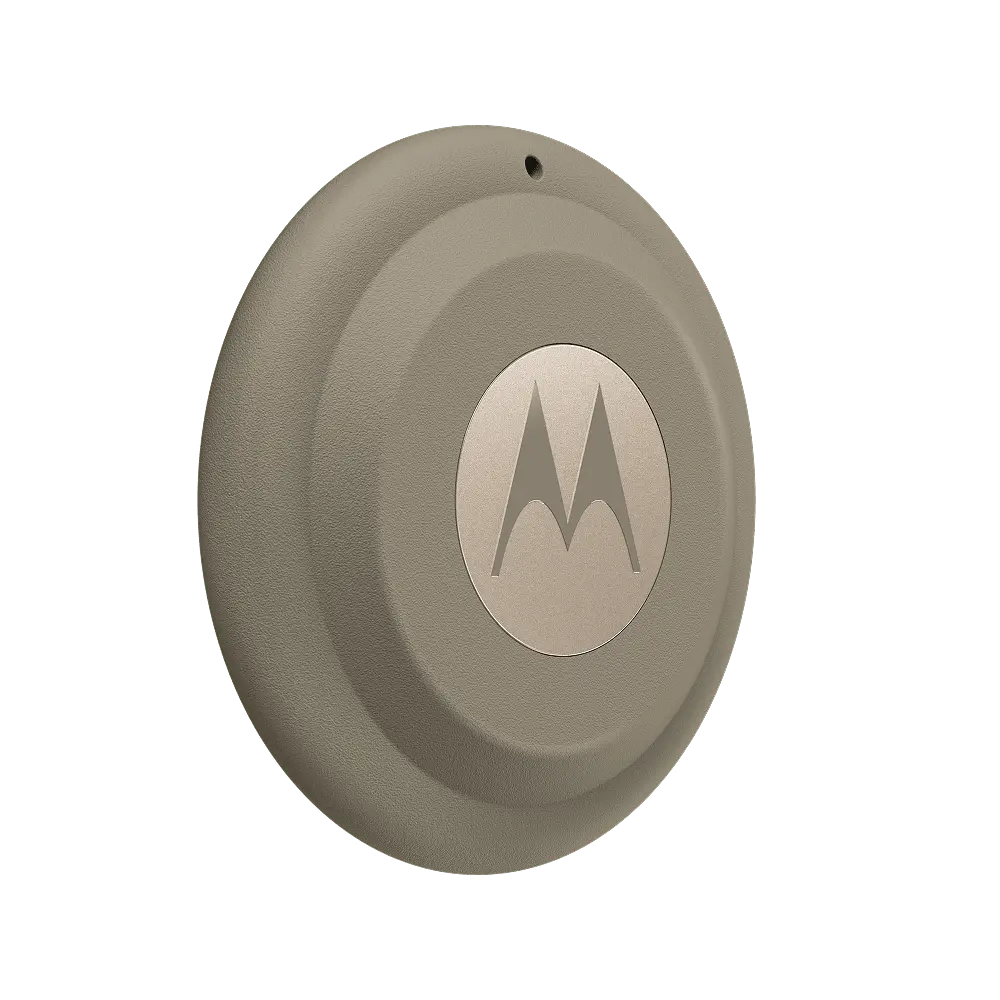
Confirm availability and Android compatibility. Not a continuous tracker; protective cases, holders, and other accessories are quoted separately. Optional Physical Honeypot customization requires a quote for bait items, materials, and additional equipment.
Before You Buy
Moto Tag 2 uses Google Find Hub to help find belongings. Motorola's guide specifies Android 9 or later, a Google account, Bluetooth, an internet connection, and Find Hub. Precision features have additional phone requirements: basic pairing does not establish that every Android phone supports UWB or Bluetooth Channel Sounding.
Use it to help locate items you own, such as a bag or keys. It is not a continuous GPS service, an emergency button, or a substitute for a person's informed location sharing. A remote location depends on the finding network and can be older than it first appears.
What You Need
- A compatible Android phone with the required account, settings, and Find Hub app. Check the phone's specifications for optional precision features.
- A compatible case or holder for your item. Motorola recommends open sides so the button and buzzer are not obstructed.
- The supplied battery-cover pin and a compatible CR2032 replacement battery when needed. Keep both the pin and batteries away from children and pets.
- Optional Moto Tag app for supported settings and firmware updates. Obtain it through Motorola's official link, not a lookalike download advertisement.
Installation And Setup
Prepare The Phone
Sign in to your Google account, enable Bluetooth and internet access, and install or update Find Hub. Review the requested nearby-device and location permissions.
Activate The New Tag
Keep the phone unlocked near the tag and remove the battery protective film. Follow the Connect prompt and complete the on-screen steps. If the prompt was dismissed, use the manufacturer's pairing troubleshooting rather than repeatedly resetting it.
Check Find Hub And Naming
Confirm the item appears in Find Hub. Give it a name that identifies the real object and set the appropriate category. Use the official Moto Tag app if you need its supported settings or updates.
Fit A Suitable Holder
Attach it to your own item without blocking the button or buzzer. Check that normal use cannot release the tag or open its battery compartment.
Set Up Sharing Only If Needed
In Find Hub, select the tag and use Share ownership, following the current prompts. Verify the recipient and confirmation. Review how to stop sharing; do not send a public sharing link or share account credentials.
Test Your Setup
- Play a sound and find the tag nearby. Precision finding depends on the phone and region, so test it rather than assuming the menu exists.
- Open the remote location and read the update time. Do not assume a pin represents a moving item's current position.
- Have an authorized recipient verify access, then check the stop-sharing controls.
- Check battery status and the holder routinely. Follow the exact guide for battery replacement and use the intended pinhole, not the buzzer opening.
If Something Does Not Work
No Pairing Prompt
Check internet, Bluetooth, Google Play services, and the manufacturer's pairing instructions. A reset clears configuration; do not use it as the first response to every problem.
No New Remote Location
The tag needs a network detection to supply a remote update. Buildings and underground areas can affect reception. Check the timestamp before drawing a conclusion.
Basic Finding Works But Precision Does Not
Check the phone's UWB or Bluetooth Channel Sounding requirements and regional availability. These are separate from ordinary Android compatibility.
Safe And Lawful Use
- Do not conceal a tag on another person or property to monitor them without lawful authority.
- Do not modify unwanted-tracking safeguards or publish a private item-sharing link.
- A map pin does not authorize recovery from someone else's property. Preserve a crime-related lead and give it to police.
Where To Buy And Find Instructions
These links take you to the manufacturer or original source. You may buy independently or select a supported device with your Crime Fixer service. Check the exact model, stock, compatibility, provider plans, and return terms before purchasing.
- View Moto Tag 2 At Motorola
Manufacturer purchase page. Verify the 2nd-generation product, local availability, and included parts.
- Motorola Moto Tag 2 User Guide
Model XT2561-1 instructions for pairing, Find Hub, sharing, firmware, and battery replacement. Screens and regional options can differ.
- Motorola Moto Tag Help And App
Official starting point for the app and model support.
Optional Accessories
We confirm compatibility, availability, and the price before you approve a purchase. These items are not included automatically.
- Compatible Moto Tag 2 Holder
Confirm exact fit and keep the button and buzzer clear. Do not assume a holder made for an AirTag fits. Manufacturer details
Physical Honeypot Customization
A custom bait item with a hidden GPS tracker and/or camera to track it and record what happens if it is taken.
Physical Honeypot customization is included as an option on GPS trackers and tags, not a standalone product, fixed-price investigative service, or standard kit. Crime Fixer can hide the selected tracker or tag and/or a camera inside a bait item such as a package, bicycle, phone, tool, or vehicle. Bait items, equipment, and materials are quoted for the agreed configuration. An active, paid Heavy Cover subscription is required for Crime Fixer product purchases and included benefits; reading this guide or requesting a future quote does not require a subscription.
The aim is to track the item and record what happens if it is taken. Placement matters: the item needs to be where theft or damage is likely, while the selected equipment must be able to produce useful location information or recordings. A hidden camera or tracker does not guarantee a crime will be recorded or stolen property recovered.
Customization Checks
- The item, equipment, materials, location, and permissions agreed before proceeding.
- Whether extra hidden cameras are a product purchase with installation or a separately approved Automated Surveillance deployment.
- Tracker updates, saved recordings, power, and the steps to take if the item is stolen or damaged.
Equipment And Materials
- A bait item and permission to use it at the agreed location. Agree on the item and its value before placing it.
- A GPS tracker, finding tag, and/or camera selected for the item, its power requirements, coverage, and recording or location needs. There is no single fixed equipment configuration; a finding tag is not continuous GPS tracking.
- Materials for the agreed installation and any compatible service or storage plan the selected equipment requires.
- Additional hidden cameras only through a product purchase with installation or a separately approved Automated Surveillance deployment, as agreed before proceeding. They are not automatically included in the custom quote.
Planning And Setup
Agree On The Scope
Identify the theft or damage problem, the bait item, proposed location, and who is authorized to place and track it. Confirm the equipment, materials, and total by email or text before purchase.
Choose Compatible Equipment
Match the tracker and/or camera to the item and the location. Check power, connection, storage, and whether the chosen view can record the relevant activity. Use the selected equipment's own instructions, not a generic wiring or concealment recipe.
Test Before Placement
With the item still under your control, check the location update and its timestamp, and save and play back a test recording where a camera is used. Resolve power or connection problems before placing it.
Confirm Placement And Extra Cameras
Agree where the item will be placed and any surrounding cameras. Additional camera purchases and any separate Automated Surveillance deployment require their own agreed provision before proceeding. Ordinary on-site product work remains within the Cover service area.
Plan The Incident Response
Confirm who receives the selected alerts or location information, how relevant files will be preserved, and how to report theft or damage. Do not assume equipment purchase reserves investigator time or automatically activates a response.
Test The Custom Item
- Check the configured tracker while the item is in a known location. Read the update time; an old position is not proof of where it is now.
- If using a camera, make a safe, consenting test movement and review the saved original, not just a notification or live view.
- Check that the agreed power arrangement and attachment remain usable in normal conditions without damaging the item or creating a hazard.
- Recheck after moving the item or changing equipment, storage, power, or connection settings.
Customization Troubleshooting
- No Current Location
Check power, coverage, service, permissions, and the update time using the exact tracker's instructions. Do not treat a stale map position as a live sighting.
- No Useful Recording
Check the view, lighting, storage, power, and recording settings. A working live view does not prove an event was saved.
- The Item Is Taken
Preserve the original files and location updates with their times, and report the incident. Do not enter property, pursue, or confront someone to recover the item.
Safe And Lawful Placement
- Use only an item and placement you are authorized to use. Do not conceal equipment on another person or their property without lawful authority.
- Do not create a hazard, obstruct a public route, or place a dangerous bait item. Recording and tracking must stay within the permissions and scope agreed.
- A location update or camera image is evidence to assess, not authority to confront or detain a person. Use established emergency channels when someone is in immediate danger.
Related Guidance
- Product Setup Guides
Public guides for supported equipment. The actual tracker, camera, accessories, and model-specific instructions are confirmed for the custom item.
- Cover And Product Benefits
Crime Fixer product purchases and included Install, Care, and ID benefits require active, paid Heavy Cover. Bait items, equipment, and materials require an agreed quote.
- Investigative Services Investigative Work
Additional hidden cameras may instead be supplied through a separately approved Automated Surveillance deployment, as agreed before proceeding.
What To Check
- Your Google Find Hub setup and the location-sharing access you authorize.
- How the tag is attached to the item and how you will maintain its battery.
- The time of the last location update, rather than assuming an old location is current.
Connecting It To Crime Fixer
We confirm the model, compatibility, permissions, and access before connecting a device. Buying hardware does not provide investigator monitoring or response by itself, or guarantee that every feature can be connected.
Any Cover monitoring or response depends on your selected subscription, supported equipment, permissions, and service availability. Products purchased from Crime Fixer and their included Install, Care, and ID benefits require active, paid Heavy Cover.
Buying And Setting Up
An active, paid Heavy Cover subscription is required to purchase any product from Crime Fixer and receive the included Install, Care, and ID benefits. Investigative Services and Lite Cover do not qualify. Adding Heavy to a cart does not establish active coverage. Public guides, basic price information, and requests for a future quote remain available without a subscription. Product selections are quote interest only, not purchases or provider-plan activations.
Equipment is purchased separately. Product prices are U.S. dollar references before applicable sales tax, shipping, and payment processing fees. We confirm current prices and availability before purchase; they may change with sales, suppliers, and configuration. Optional accessories and Physical Honeypot materials require a current quote.
Install includes setup, basic installation, configuration, testing, practical fixes, and additional security measures based on our tests for supported products purchased from Crime Fixer; these are included while Heavy Cover is active and paid, as time and resources allow. On-site product work is limited to the Cover service area. Work beyond our qualifications or legal authority, including complex wiring, network infrastructure, and commercial-grade installations, requires a specialist.
Care includes optimizing and maintaining supported products purchased from Crime Fixer, keeping them running, and updating their software while Heavy Cover is active and paid, as time and resources allow. While Heavy Cover is active and paid, we cover the replacement cost if a product purchased from Crime Fixer is damaged or stolen, using the same model or a comparable model. We do not cover damage you cause by misusing or tampering with the product or performing your own maintenance or repairs. Lost products are not covered.
You may use these public guides independently. Compatible existing equipment can connect to supported Cover functions with the required permissions; this is not a promise of free physical setup, installation, or maintenance for equipment bought elsewhere.
ID support requires active, paid Heavy Cover and currently trackable people, pets, vehicles, or items. Location sharing must be set up with us through a compatible device or tracker purchased from Crime Fixer. A person must carry or wear the device; pets, vehicles, and items need compatible built-in tracking or an attached tracker. ID Kit contents and publication channels require approval by email or text before distribution to investigators, law enforcement, or social media. Advance approval may cover a later missing-person or stolen-property incident with the same contents and channels; changes require further approval. Paid advertising needs separate approval and payment; campaign work remains included in Heavy Cover.
The device belongs to you. Care covers qualifying damaged or stolen products purchased from Crime Fixer while Heavy Cover is active and paid, subject to the exclusions above; it does not cover lost products. Applicable manufacturer warranties are separate.
Required carrier, data, cloud, or manufacturer subscriptions are separate from Heavy Cover and any quoted equipment price. You may pay providers directly or, while Heavy Cover is active and paid, have Crime Fixer arrange and pay confirmed provider plans for products purchased from Crime Fixer, where the provider permits. You pay the actual provider cost, including provider taxes and fees, separately from Heavy Cover; we add no management fee. We confirm each service, billing period, and charge before arranging it. Payment processing fees are described in the Service Terms. Atlas XL hardware is included with an active Spytec plan; reference prices are $24.95/month or $215.40/year paid upfront, separate from Heavy Cover. A quote request does not enroll you in, charge for, or renew a provider plan.
Customization is included as an option for supported GPS trackers and tags. Bait items, materials, and additional equipment require a quote. Extra hidden cameras require a product purchase with installation or a separately approved Automated Surveillance deployment, agreed before proceeding.
Before you pay for a purchase or subscription we arrange, we confirm availability, the actual equipment and configuration, accessories, plan, billing period, applicable sales tax, shipping, payment processing fee, and total with you by email or text message. Unknown equipment, tax, or shipping charges remain pending, not zero. No shipping charge is added when shipping is not needed.